What an AI whiteboard video generator actually does
"AI whiteboard video generator" is used for two products that work nothing alike, which is why demos in this category can be so misleading.
The first kind uses AI to help you fill a template. It writes a script, then matches lines to stock illustrations and animates a hand over them. The intelligence is in the writing and the matching; the pictures still come from a library.
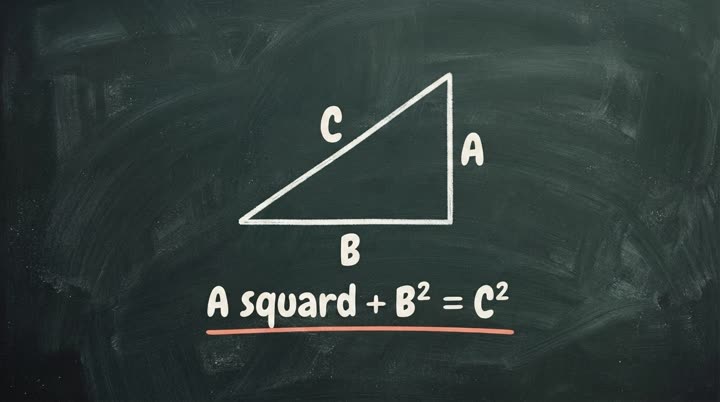
The second kind generates the drawings themselves, scene by scene, from the content of your video. There is no library to match against, because nothing was drawn in advance.
Both are legitimate. But they fail in different ways, and knowing which one you are testing tells you what to look for.
What is generation genuinely good at?
Subjects a library never covered. The moment your topic is specific, an asset library starts substituting. You wanted a diagram of how your onboarding flow branches; you get a generic person at a generic laptop. Generated artwork is made for the line it illustrates, so specificity stops being a problem.
Consistency across a series. When the look is a setting rather than a series of choices, the tenth video matches the first. This is the thing that separates a channel or a course that looks intentional from one that looks assembled by whoever was free that week.
Speed from text to file. The assembly step disappears. That changes what you are willing to make: a three minute explainer stops being a project and becomes something you do because a question came up twice this week.
Where does it still fall down?
An honest list, because every tool in this category has one.
Exact placement. If you need a specific element in a specific corner at a specific second, generation is the wrong instrument. You steer with words, and words are a blunt instrument for layout.
Dense reference material. Tables, long numeric comparisons and legal text do not become good video, no matter what draws them. They are reference material, and reference material wants to stay readable and searchable.
Text inside the drawing. Rendered words inside generated artwork are the weakest part of the category as a whole. Treat on-screen text as a label, not as the message, and let the narration carry the meaning.
Judgment about what matters. A generator will faithfully explain whatever you gave it. If the source document buries the important thing on page nine, the video will bury it too.
How do you write input that produces a good video?
The input is the interface, so this is the highest-leverage thing you can learn.
Say who it is for and what they should do after. "Explain X" produces a summary. "Explain X to someone who has never done Y, so they feel ready to try it" produces a story with a direction.
Give one idea per scene. If a sentence contains three claims, it will be drawn as one crowded frame. Split it.
Cut the throat-clearing. Any sentence that could open any video on any subject is dead air. The first ten seconds decide whether the rest gets watched.
Watch the length. Narration runs at roughly 150 words a minute, so 450 words is about three minutes. Write to the runtime you want rather than trimming afterwards.
Name the concrete thing. "A team collaborates efficiently" gives the drawing nothing to hold. "Two people editing the same document at once, one of them offline" gives it a scene.
How do you judge the result?
Watch it once with the sound off. If you can follow the argument from the drawings alone, the visuals are doing work. If they are decoration over a voiceover, the video will feel like a slideshow no matter how good the artwork is.
Then watch it again at the point where the subject gets hard. That is where a template shows its seams and where generated artwork earns its place.
How does explain.ink do it?
You give a topic, a script or a document. explain.ink works out the order the idea should be explained in, draws every scene stroke by stroke in the style you pick, and records the narration. You get a video file, and the explain.ink mark comes off once you buy minutes.
The whiteboard animation page covers the classic marker look, and there are 17 other styles if a whiteboard is not what your subject calls for.