What is a passkey?
A pair of keys that replaces the password you type.
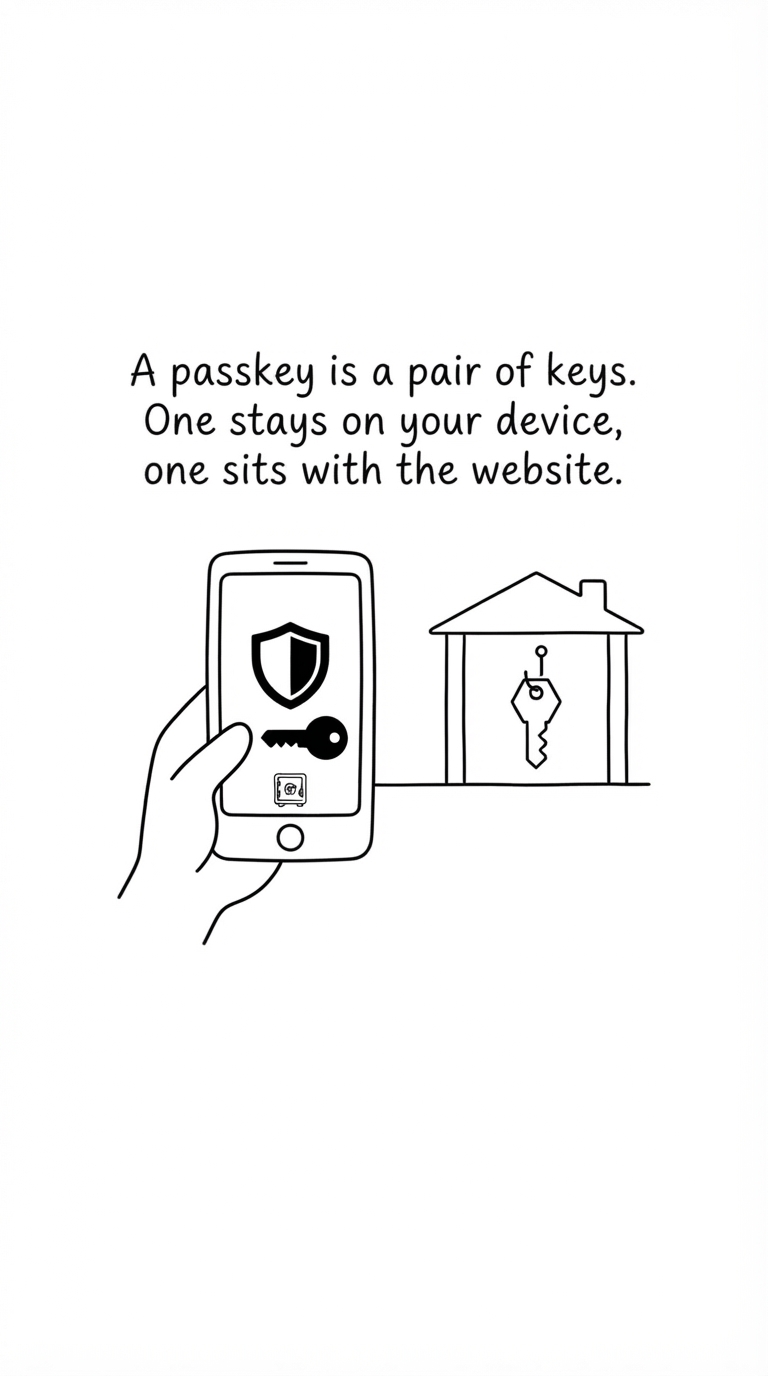
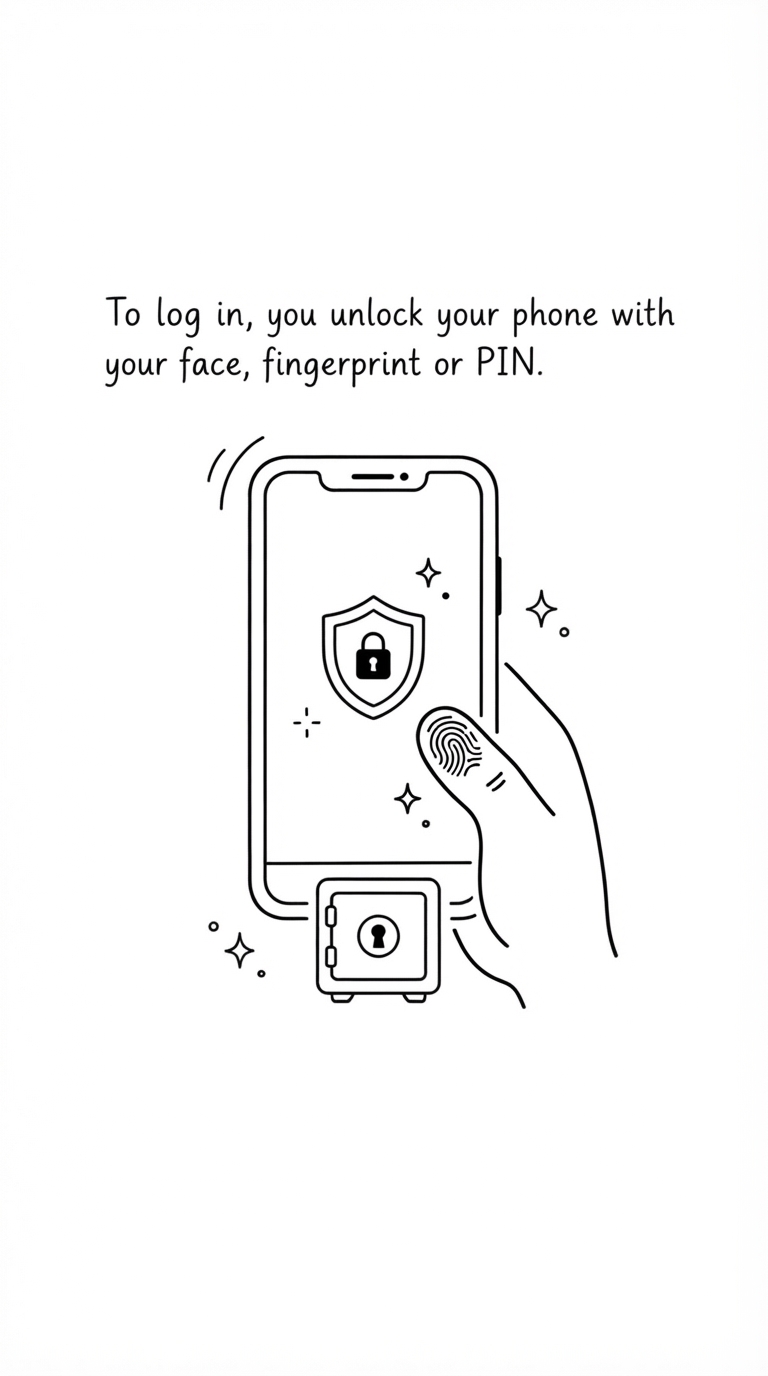
A passkey is a pair of cryptographic keys that lets you sign in without a password. The private key stays on your device or in your password manager, and the website keeps only the public key. To sign in, your device answers a challenge from the site, usually after you unlock it with your face, fingerprint or PIN.
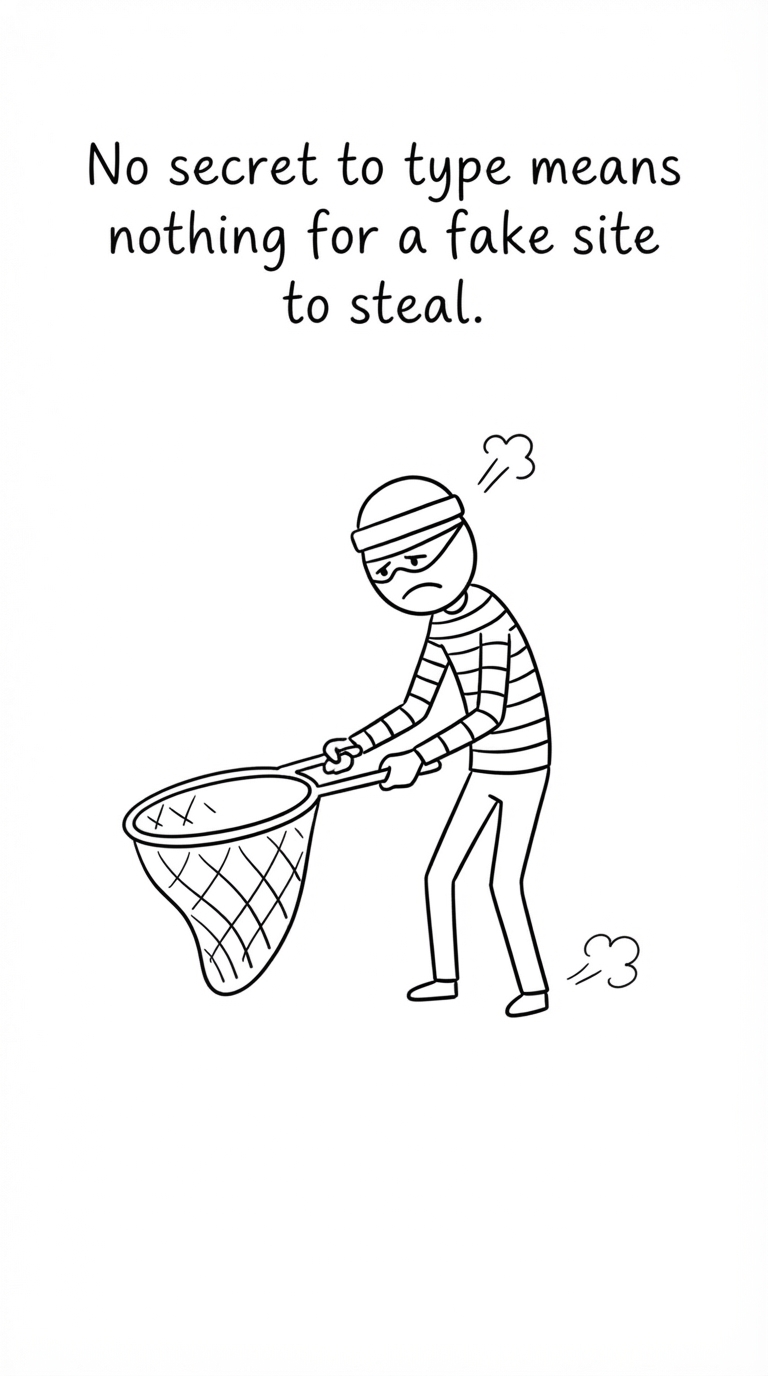
A passkey is only offered to the site it was made for, and nothing secret is typed, so it resists phishing far better than a password.
The script
The narration is lettered on screen word for word, one scene at a time.
-
 Scene 1 · 0:00–0:06Voiceover
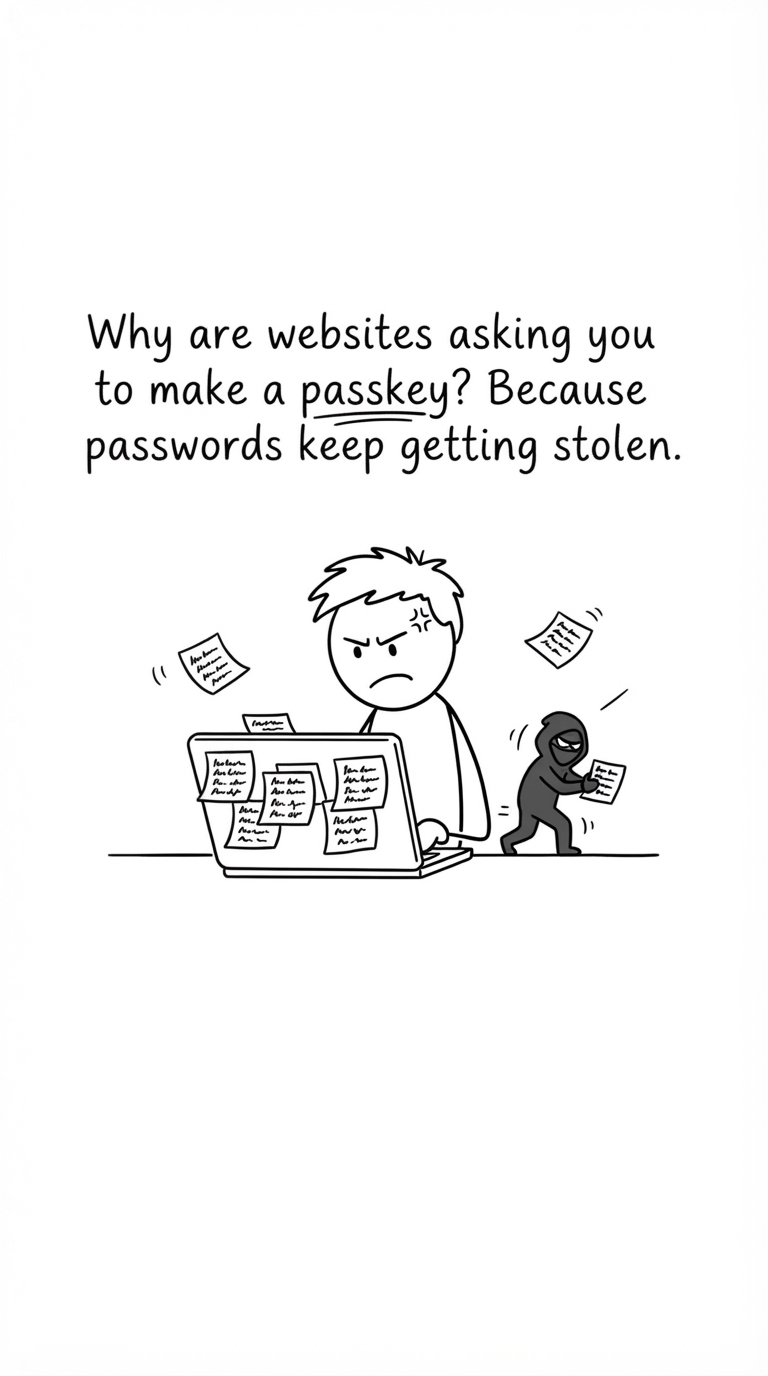
Why are websites asking you to make a passkey? Because passwords keep getting stolen.
PictureAn angry man at a laptop covered in sticky notes, while a thief runs off with papers.
-
 Scene 2 · 0:06–0:12Voiceover
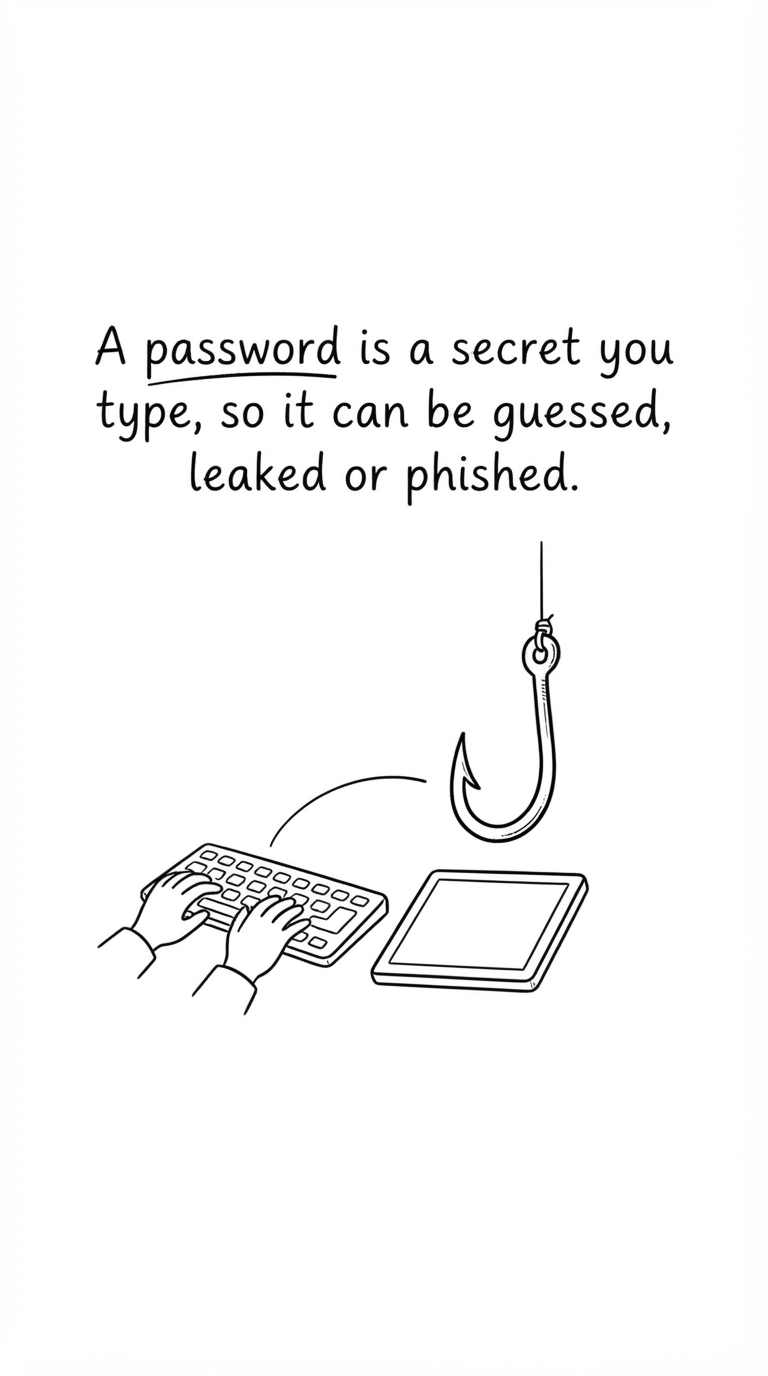
A password is a secret you type, so it can be guessed, leaked or phished.
PictureHands typing on a keyboard, with a fishing hook dangling above a tablet.
-
 Scene 3 · 0:12–0:18Voiceover
A passkey is a pair of keys. One stays on your device, one sits with the website.
PictureA hand holding a phone showing a shield and a key, next to a house with a key hanging inside.
-
 Scene 4 · 0:18–0:23Voiceover
To log in, you unlock your phone with your face, fingerprint or PIN.
PictureA thumb on the fingerprint pad of a phone showing a padlock shield.
-
 Scene 5 · 0:23–0:28Voiceover
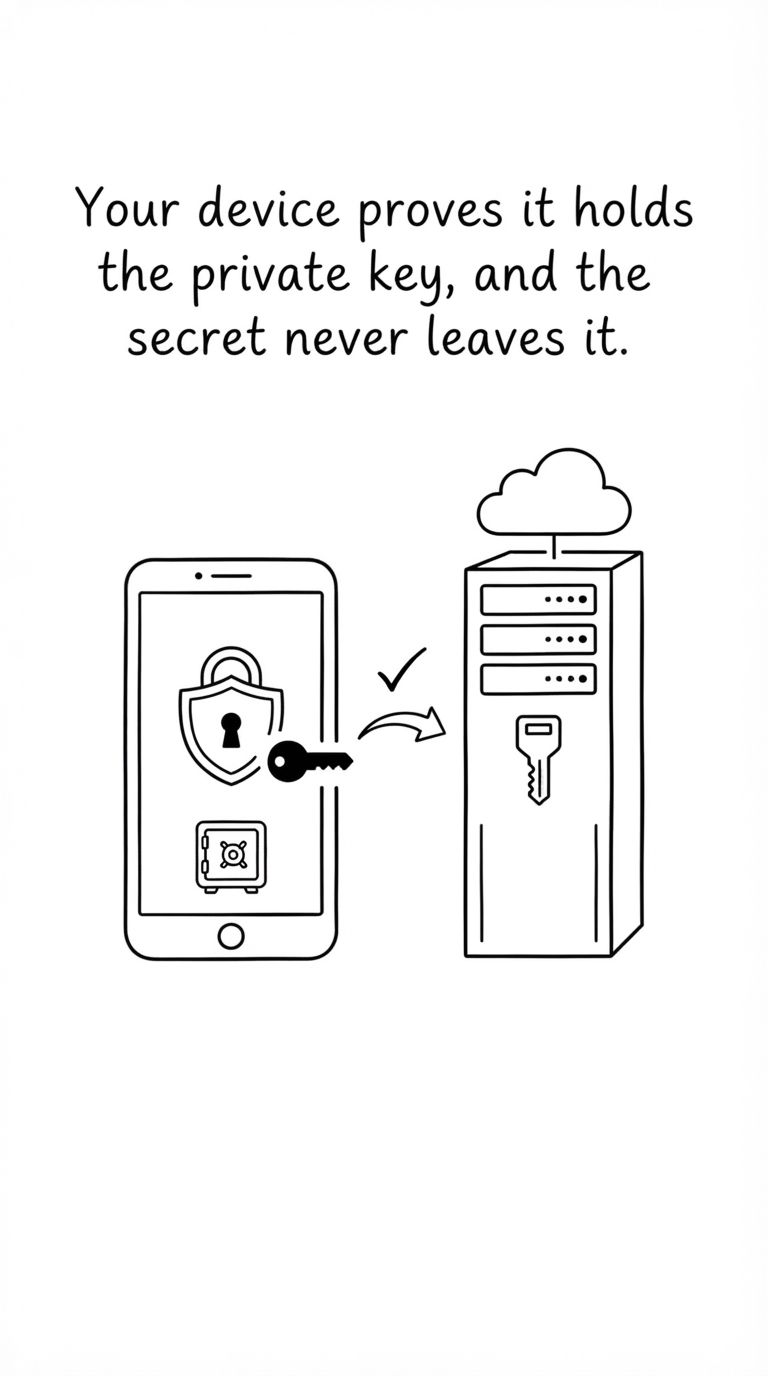
Your device proves it holds the private key, and the secret never leaves it.
PictureA phone with a padlock and a key, and a check mark passing to a server.
-
 Scene 6 · 0:28–0:36Voiceover
No secret to type means nothing for a fake site to steal.
PictureA burglar holding an empty butterfly net.
Why passwords needed a replacement
Passwords fail in familiar ways. People reuse them across sites, which lets one leak unlock other accounts, pick weak ones that can be guessed quickly, and write them down. Websites make it worse by storing them in plain text or without proper hashing, setting arbitrary limits on length, and even blocking password managers from pasting them.
The fix took a decade of standards work. In 2012 Google and Yubico started on U2F, a way for sites to check a hardware token as a second factor, which was taken up by the industry group FIDO Alliance. In 2015 the alliance began FIDO2 to drop the password altogether and submitted it to the W3C, the web's standards body. Browsers added support in 2018 and 2019, and WebAuthn became a W3C Recommendation on March 4, 2019.
Source: WebAuthn, WikipediaUnder the hood it is public-key cryptography. The site stores your public key and uses it to set a challenge that only your private key can solve; your device returns the solved challenge without ever sending the private key. That key can live in a physical security key, a secure chip in your computer, or a password manager, often unlocked with Touch ID or Windows Hello and synced across devices. The word passkey reached the public in June 2022, when Apple announced support; Google followed that October and Windows 11 in September 2023.
Reactions are mixed. Security writer Troy Hunt has praised passkeys for making life easier, while others, including a journalist who called the technology elegant but not usable and a veteran cryptography expert who found it confusing, say the experience falls short. And as of 2026 most platforms still offer other sign-in methods alongside passkeys, which can reduce the benefit.
Source: Passkey, WikipediaHow this video was made
We wrote the 6 narration lines and a one-line picture brief for each scene. explain.ink drew the scenes by hand in the chosen style, recorded the voiceover and rendered the MP4.
- Style
- Whiteboard
- Voice
- Gunner (warm, confident narrator)
- Format
- Vertical 9:16, 1080x1920, 36 seconds
- Redraws
- Scene 5 was redrawn before the final render
The story, in dates
- 2012 Google and Yubico start work on U2F, a hardware second factor for websites. Source: WebAuthn, Wikipedia
- Nov 2015 The FIDO Alliance submits FIDO2 to the W3C as a proposed web standard. Source: WebAuthn, Wikipedia
- Mar 4, 2019 WebAuthn Level 1 becomes a W3C Recommendation. Source: WebAuthn, Wikipedia
- Jun 2022 Apple announces passkey support in iOS and macOS, bringing the word to the public. Source: Passkey, Wikipedia
- Oct 2022 Google announces passkeys for Android and Chrome. Source: Passkey, Wikipedia
- Sep 2023 Microsoft adds passkey support to Windows 11. Source: Passkey, Wikipedia
Questions people ask
Are passkeys safer than passwords?
In key ways, yes. The private key is never sent openly over the network, so there is nothing to intercept, and passkeys resist phishing far better than passwords. But most platforms still offer other sign-in methods alongside them, which can reduce the benefit.
Source: Passkey, WikipediaWhere to store passkeys?
In an authenticator: most often the one built into your phone or computer, such as Apple Keychain, Android or Windows Hello, which can sync between your devices. Password managers and physical security keys can store them too.
Source: WebAuthn, WikipediaAre passkeys locked to one device?
Usually not. Built-in authenticators and password managers often sync passkeys between devices, and when syncing is not possible you can use a passkey stored on your phone to sign in on another device. Passkeys on a physical security key stay on that key.
Source: WebAuthn, WikipediaAre fingerprint passkeys safe?
The fingerprint or face check happens on your device and only unlocks the stored key: the keys become available to the browser only after the device or software has verified you.
Source: WebAuthn, WikipediaWhich is better, the authenticator app or passkey?
The standards behind passkeys were designed as an improvement over one-time codes from apps or SMS, which still leave users open to sophisticated phishing. A passkey is only offered to the site it belongs to.
Source: WebAuthn, Wikipedia